Chat, video meetings, docs, tables, tasks and AI agents in one Mac app and browser. Pay for a small server, not per seat.


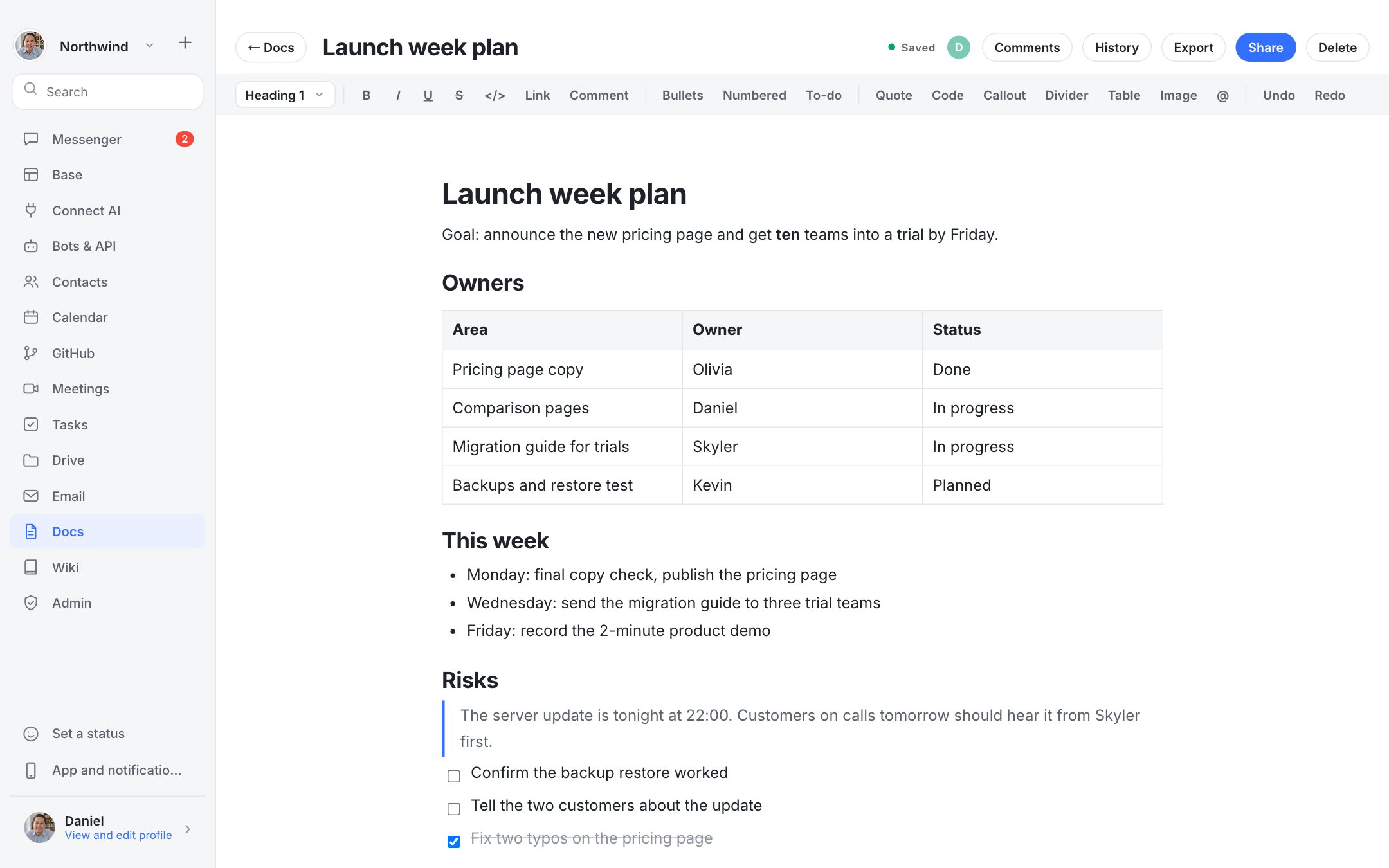
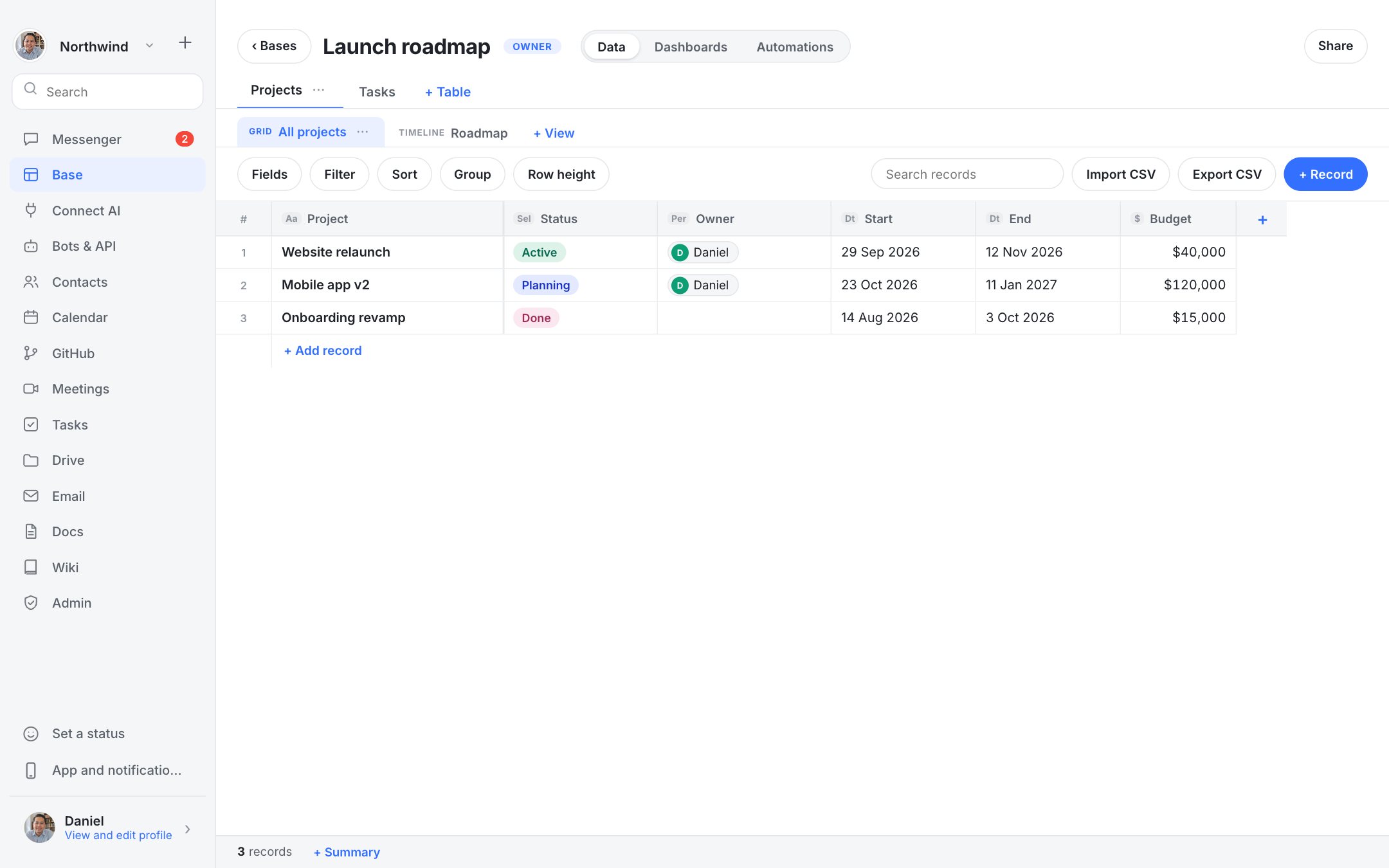
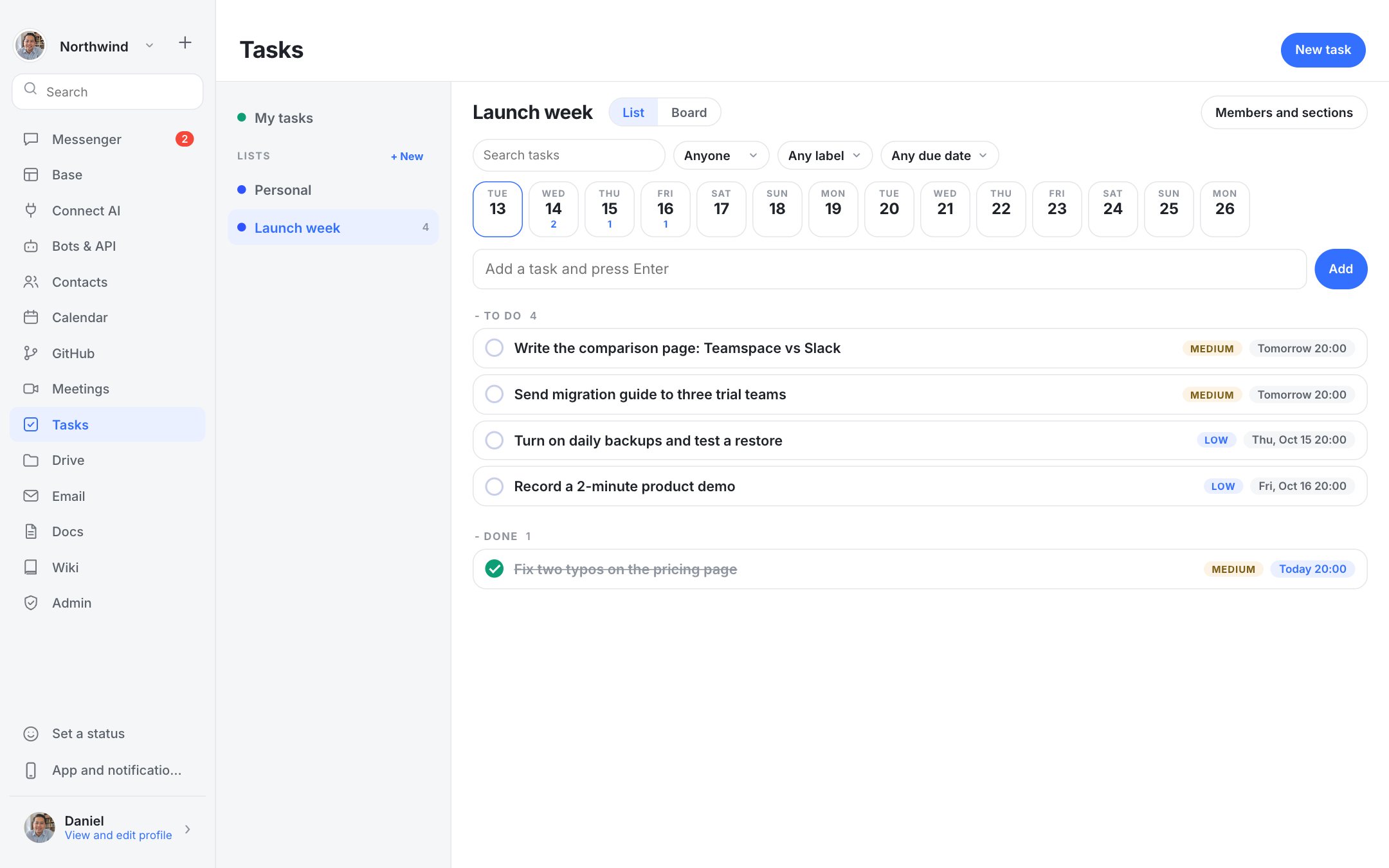
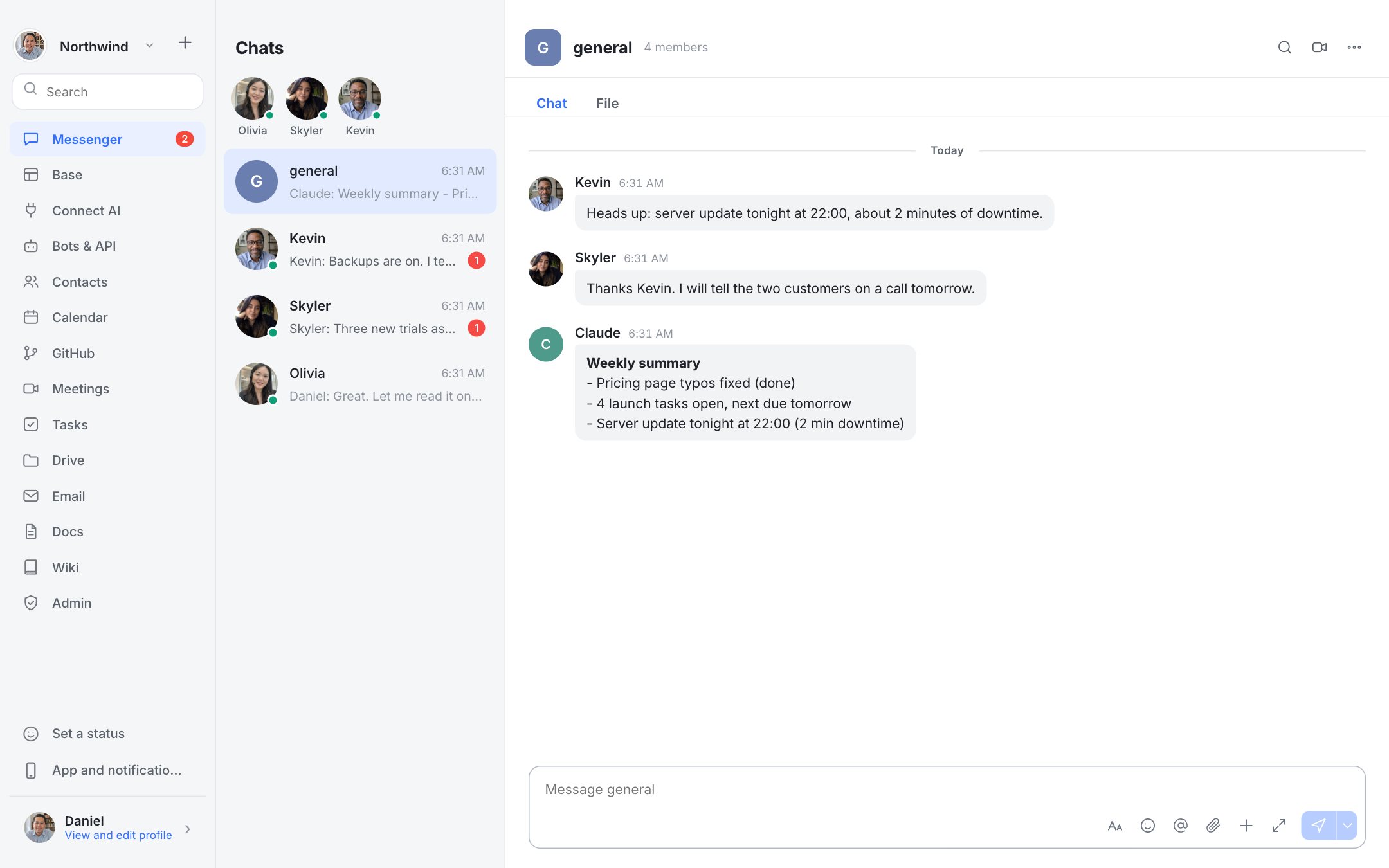
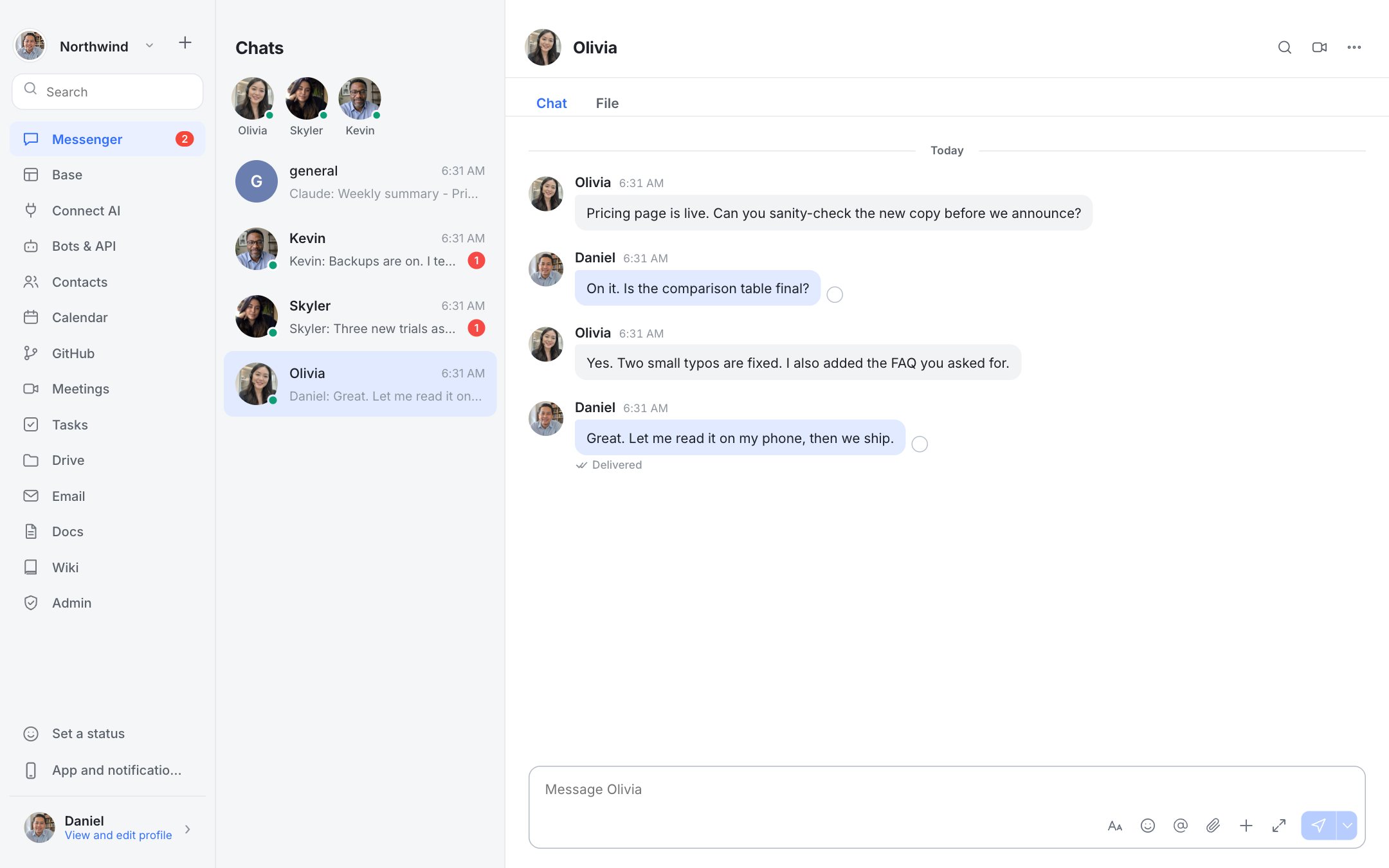
Real screenshots of Dock with a fictional team.
Channels, DMs, threads of work and files, with instant search across everything you've ever said.

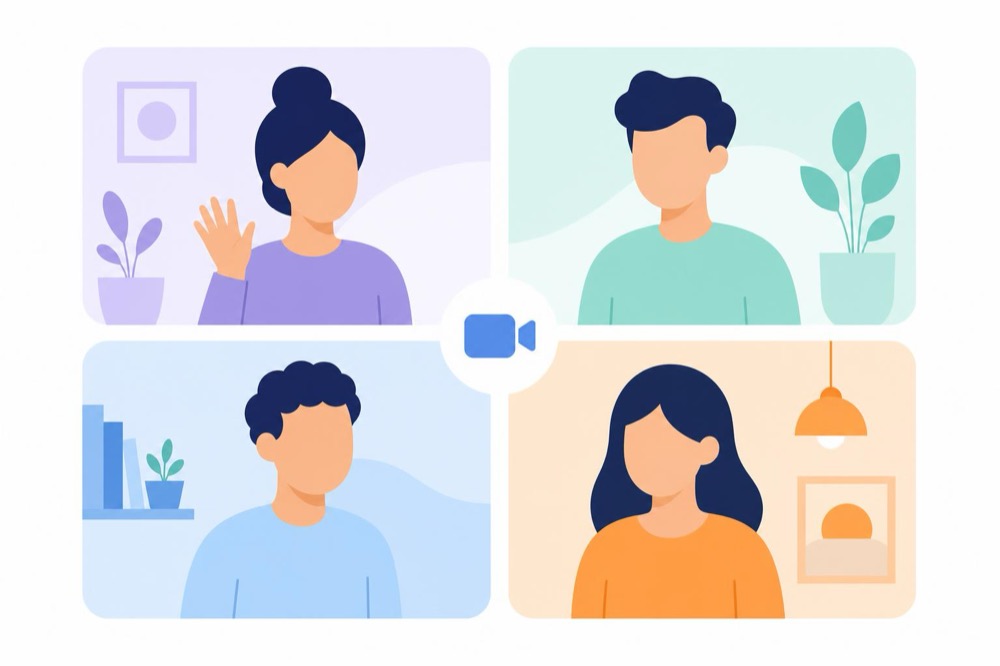
Hit Meet in any channel. Video, audio and screen share with whoever is there. No links, no accounts.

Replace the per-seat chat and meeting subscriptions with one small server you control.

Messages live in one database file you can back up, move or export. Move in your Lark history on day one.


deploy v2.3 is out✓


Channels, DMs, reactions, edit and delete.

Video, audio and screen share in one click.

Every message, any language, in milliseconds.

Drag, paste or attach. Images preview inline.

Bring your channels and history with you.

Real-time co-editing and a team wiki.

Tables, views, dashboards and forms without code.

Schedule meetings, share availability, export ICS.

Request, review and track decisions.

Install on iPhone or Android with push notifications. Native apps are on the roadmap.

Webhooks and AI agents that work in your channels.

Team inbox next to your conversations.
An honest look at where Dock fits today.
| Dock | Typical SaaS suite | |
|---|---|---|
| Pricing model | Pay for a server, not seats | Per user per month |
| Where your data lives | Your server, one database file | The vendor's cloud |
| Chat, search, files | ✓ Included | ✓ |
| Video meetings | ✓ Peer to peer, or LiveKit for bigger rooms | ✓ Large meetings |
| Docs, Base, Calendar, Approvals | ✓ Docs, Base, Calendar. Approvals on the roadmap | ✓ |
| Mobile apps | Installable web app | ✓ |
| Setup | Install the Mac app, invite your team | Admin console, licences |
Everything lives on a server you control. Back it up, move it or delete it whenever you like.
New accounts need an invite code from an admin. Passwords are stored hashed (scrypt).
Video and audio travel peer-to-peer over WebRTC with DTLS-SRTP encryption.
We don't hold SOC 2 or ISO 27001 certifications. If you need them, tell us.
Draft pricing, subject to change.
PLACEHOLDER PRICING · FINAL PLANS TO BE CONFIRMED
What is live, and what is next: recording, email, native mobile apps.
→Install, invite your team and start your first call.
→See where Dock fits against bigger suites.
→The Mac app for Apple Silicon and Intel.
→Bring channels and history over. We'll help.
→Join our ecosystem and grow with us.
→Self-hosting needs one small server (or an always-on Mac). We can also run it for you on the Managed plan.
Small calls run peer to peer. For larger rooms, connect a LiveKit media server; the limit is then set by that server and your plan.
Yes. We import channels and text history. Images, files, Base tables and docs aren't migrated yet.
You can install Dock to your phone from the browser, with push notifications. Native iPhone and Android apps are on the roadmap.
Your messages live in a database on your own server. New accounts require an invite code, and call media is encrypted end to end between participants.
Install the Mac app, invite your team and start your first call in minutes.