Team chat that stays fast as history grows
Channels, DMs, threads, reactions and search that still answers in milliseconds after years of messages. Self-hosted, no per-seat fee.

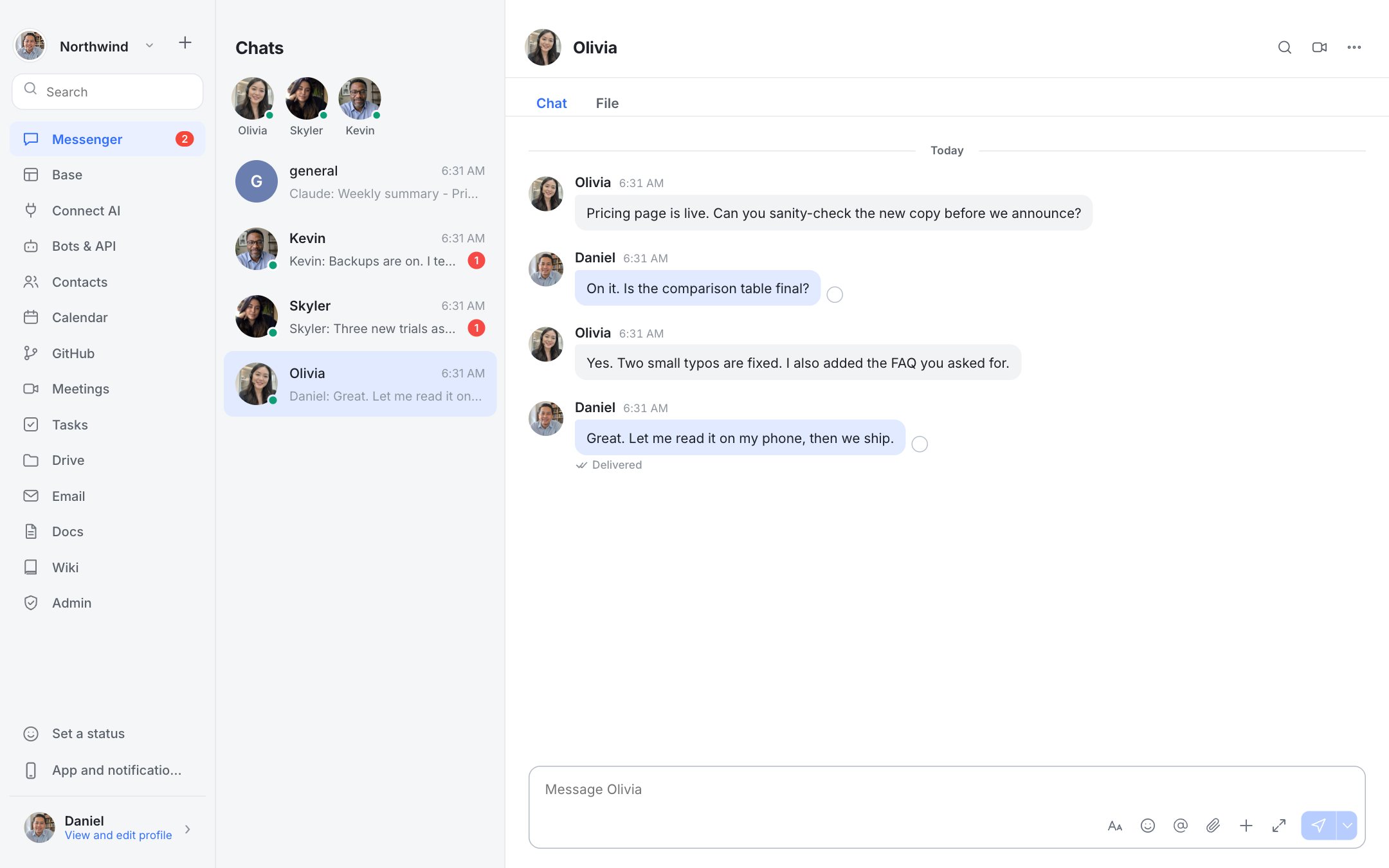
What you get
Channels, DMs and private groups
Public channels for the team, direct messages for one-to-one, and restricted groups only invited members can see.
Threads, replies and quotes
Reply in a thread, quote a message, forward it elsewhere, or copy a permalink that opens the exact message.
Mentions, reactions and markdown
@name, @all and @here, emoji reactions, bold, code blocks and links that render properly.
Scheduled send, drafts and pins
Write now and send later. Drafts survive a restart. Pin what matters to the top of a channel.
Status and Do not disturb
Set a status, mute levels per channel, and pause notifications without leaving the team.
Files by paste or drag
Drop an image or file into the box. It uploads and previews inline.
Honest limits
Not built yet: read receipts in groups, message translation, voice messages, link previews, custom emoji and chats with people outside your workspace. If one of these is a deal-breaker, the roadmap page says where it stands.
Questions
Is Dock a Slack alternative?
For chat, yes: channels, DMs, threads, reactions, search and file sharing. You host it yourself and pay no per-seat fee. Slack has a much larger app and integration ecosystem.
Does it work on a phone?
Yes, as an installable web app with push notifications and a phone layout. Native iPhone and Android apps are not built yet.
Can I bring my old messages?
Lark history can be imported (text). Other tools have no importer today.