Dock: the Lark alternative you host yourself
- Where data lives. Dock runs on your server. Lark runs on the vendor's.
- Pricing model. Dock has no per-seat fee. Check Lark's current plans for theirs.
- Easy exit. Dock imports Lark chat history (text).
- All in one workspace. Chat, meetings, docs, Base, calendar, tasks, drive and AI agents together.
- Honest limits. Where Lark is stronger, the table says so.
Why choose Dock over Lark
| Detailed comparison |  Dock Dock | Lark |
|---|---|---|
| Pricing and limits | ||
| Price per user | No per-seat fee. Free to self-host; you pay your own server (about $20/month, estimate) | Starter $0, Basic $6, Pro $12 per user/month (billed annually). Enterprise: contact sales |
| Where it runs | Your server. One Node process, one SQLite file | Vendor cloud |
| Maximum users | No seat cap from us; your server sets the limit | Starter 20, Basic and Pro 500, Enterprise unlimited |
| Storage | Your disk | Starter 100 GB, Basic 5 TB, Pro 15 TB, Enterprise 15 TB + 30 GB per user |
| Chat history | ✓Permanent, in your own database | Starter 18 months; paid plans permanent |
| Messenger | ||
| Channels, DMs, threads, pins, reactions | ✓Yes | ✓Yes |
| Real-time message translation | ✗Not built | ✓Yes, on every plan |
| Chats with people outside your company | ✗Not built | ✓Yes |
| Meetings | ||
| Video meetings | ✓Peer to peer, plus a LiveKit server for larger rooms | Starter and Basic 1-on-1 only; Pro and Enterprise up to 500 people |
| Meeting recording | ✗Not built | ✓Yes |
| Transcripts, AI meeting notes, webinars | ✗Not built (transcripts in progress) | ✓Pro and Enterprise (AI notes are an add-on) |
| Workspace apps | ||
| Docs and Wiki | ✓Yes | ✓Yes |
| Base (tables, views, forms, automations) | ✓Yes. No field-level permissions or AI yet | ✓Yes, with advanced permissions and Base AI |
| Calendar and Tasks | ✓Yes | ✓Yes |
| Drive and Contacts | ✓Yes | ✓Yes |
| Approvals and OKR | ✗Not built (on the roadmap) | ✓Yes |
| Team email | ✗Not built (in progress) | ✓Yes |
| AI and automation | ||
| AI agents in your workspace | ✓MCP server and bot API: connect Claude, Codex, Cursor and more | AnyGen AI Teammate (new, check Lark for details) |
| Bots, webhooks and REST API | ✓Yes | ✓Yes (Lark Developer) |
| Security and data | ||
| Single sign-on (SSO) | ✗Not available | ✓Enterprise |
| Two-step login, audit log, backups | ✓Yes | ✓Yes |
| You own and can move your data | ✓One SQLite file you can back up and move | ✗Vendor-hosted |
Lark prices and limits are from Lark's public pricing page, viewed 14 October 2026. Plans change: check Lark for current details.
Lark plans, side by side with Dock
Dock
- Chat, meetings, docs, Base, calendar, tasks, drive
- Bots, API and MCP server for AI agents
- Admin console, 2-step login, audit log
- No user or storage cap from us
Lark Starter
- 20 users max
- 100 GB storage
- 1-on-1 video meetings
- 18 months of message history
Lark Basic
- 500 users max
- 5 TB storage
- 1-on-1 video meetings
- Permanent message history
Lark Pro
- 500 users, 15 TB storage
- 500-participant meetings
- Recording, webinars, subtitles
- 50,000 automations / month
Lark Enterprise
- Unlimited users
- SSO and compliance controls
- 500,000 automations / month
- Language interpretation
Lark figures from Lark's pricing page, viewed 14 October 2026. Dock cost is an estimate.
See how much you could save
All-in-one, self-hosted
Dock Messenger
 Meetings
 Docs
Docs Wiki
Wiki Base
Base Calendar
 Tasks
Tasks Drive
Drive Bots & MCP
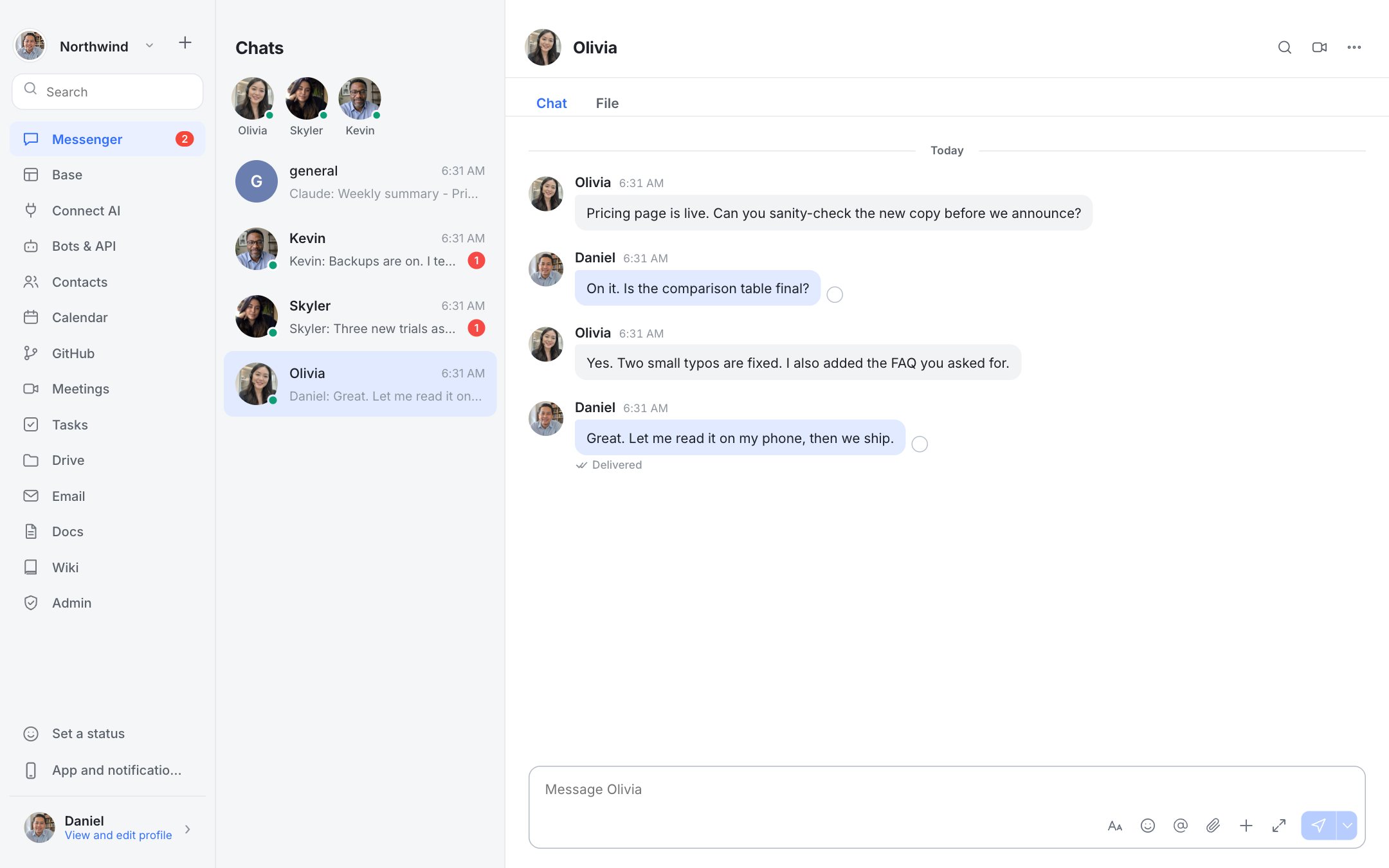
See Dock in action
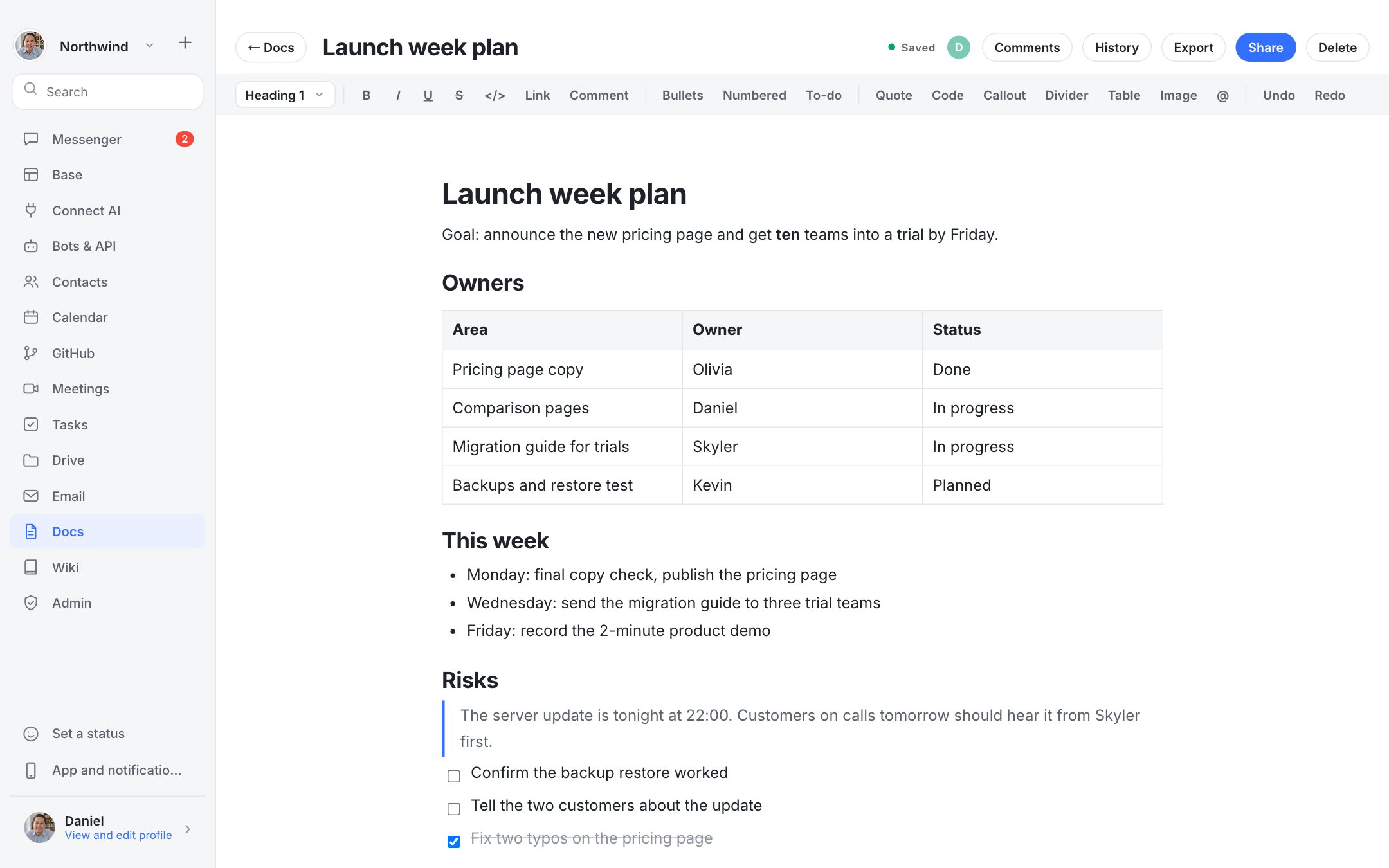
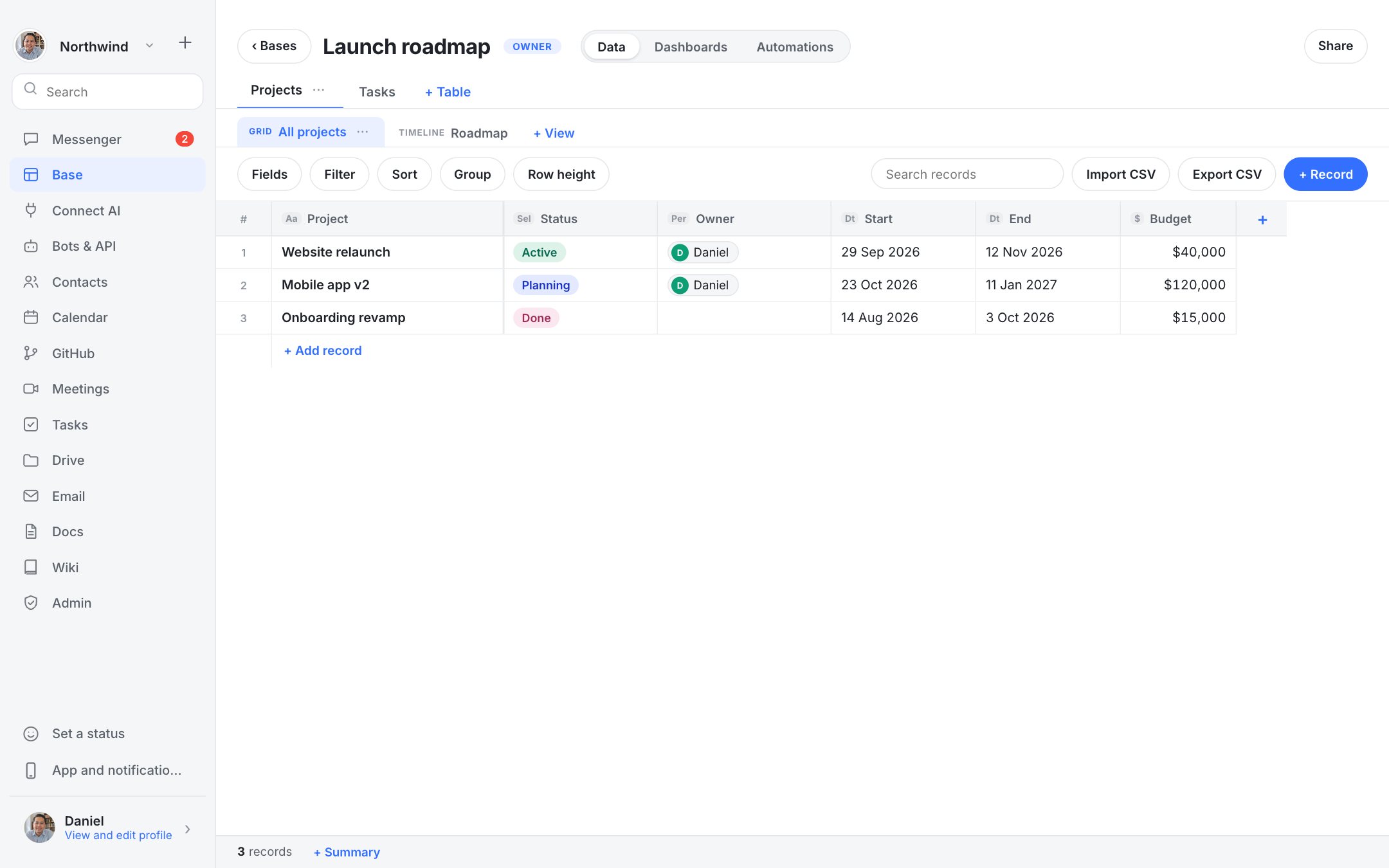
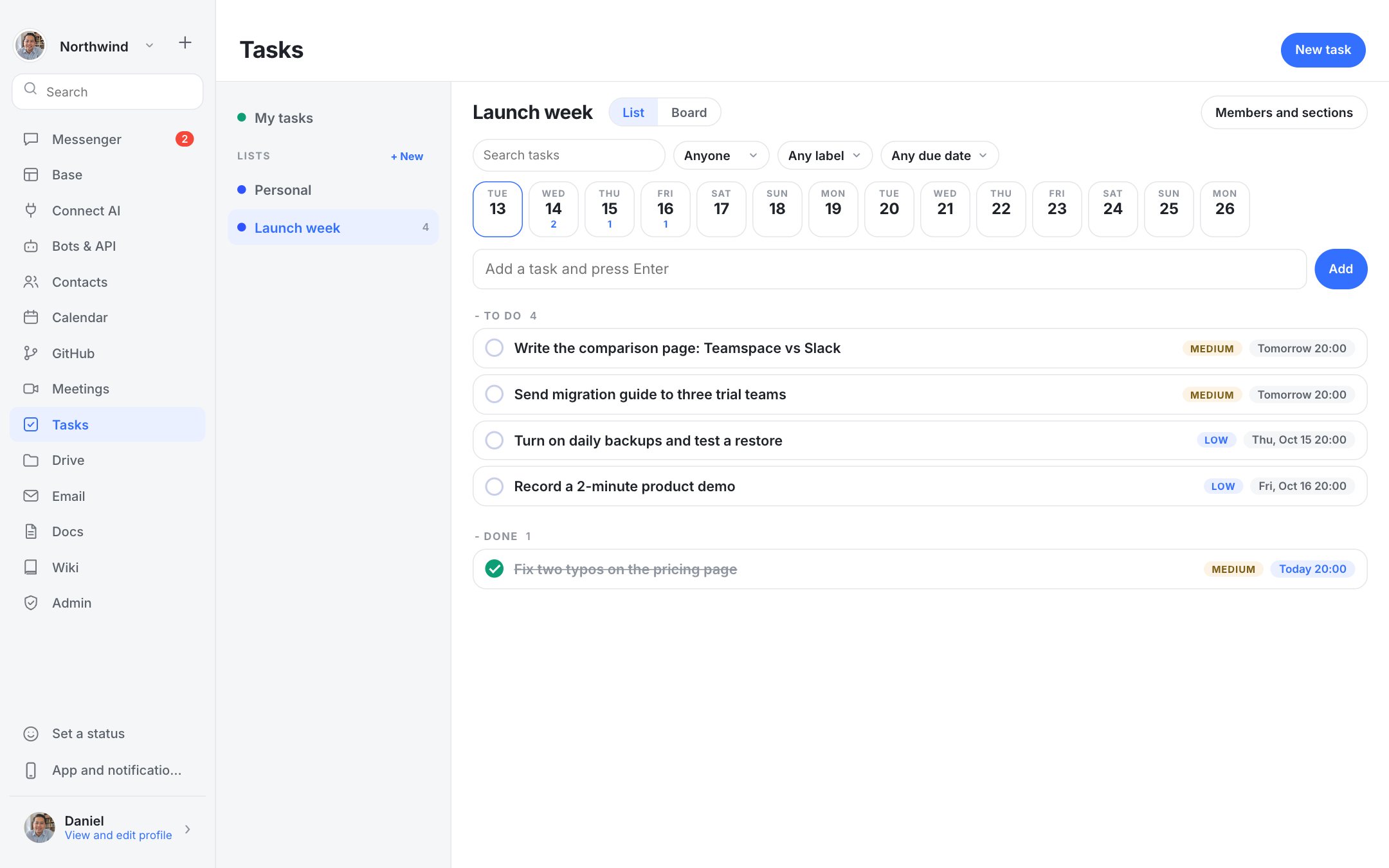
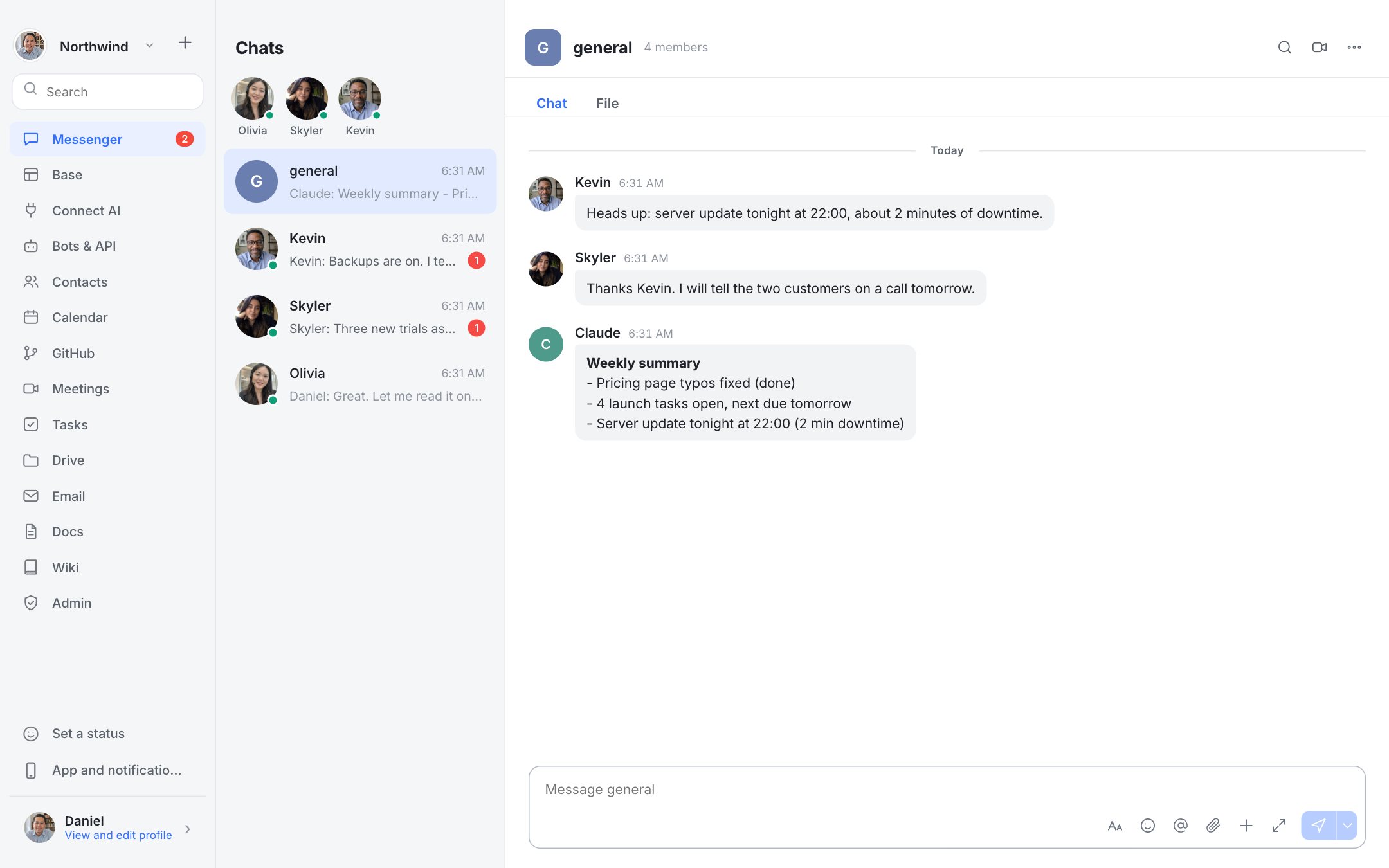
Real screenshots of Dock with a fictional team.
Who should choose which
Choose Dock if: Teams that want the Lark basics on their own server, and are happy without approvals and OKR.
Choose Lark if the stronger points in the table are what you need. Product details change, so check Lark's current plans and documentation before you decide.
Questions
Can I move from Lark to Dock?
Yes for chat: the importer brings in text history. Docs, tables and approvals do not transfer automatically.
Is Dock cheaper than Lark?
Dock has no per-seat fee; you pay for your own server. Whether that is cheaper depends on your team size and what you pay Lark. Use the savings calculator above with your own prices.