Dock: the Slack alternative you host yourself
- Docs, tables and tasks included. Dock has them built in.
- No per-seat fee. You pay your server, not each person.
- Data on your server. One SQLite file you can back up and move.
- All in one workspace. Chat, meetings, docs, Base, calendar, tasks, drive and AI agents together.
- Honest limits. Where Slack is stronger, the table says so.
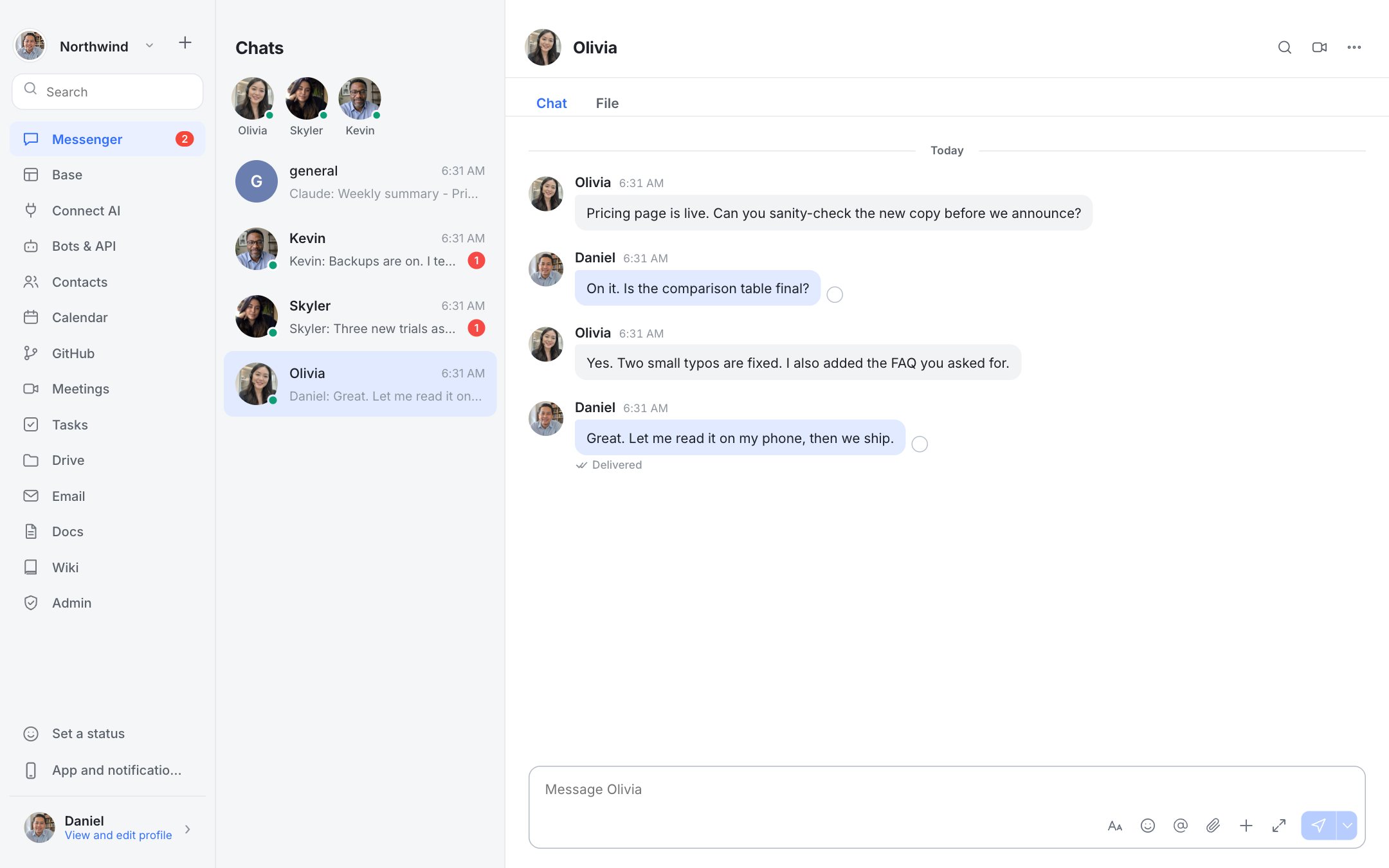
Why choose Dock over Slack
| Detailed comparison |  Dock Dock | Slack |
|---|---|---|
| Pricing and limits | ||
| Price per user | No per-seat fee. Free to self-host; you pay your own server (about $20/month, estimate) | Free $0; Pro $7.25 annual ($8.75 monthly); Business+ $15 annual ($18 monthly); Enterprise+ contact sales |
| Where it runs | Your server. One Node process, one SQLite file | Vendor cloud |
| Chat history | ✓Permanent, in your own database | Free: 90 days; paid plans: unlimited |
| Messenger and meetings | ||
| Channels, DMs, threads, search, files | ✓Yes | ✓Yes |
| Video meetings | ✓Peer to peer, plus a LiveKit server for larger rooms | Free: 1:1 huddles only; paid: group huddles |
| Chats with people at other companies | ✗Not built | ✓Slack Connect (Free: 1:1 only; paid: up to 250 organisations) |
| Workspace apps | ||
| Docs, tables, tasks, calendar, drive built in | ✓Yes | Add-ons or integrations |
| AI and automation | ||
| AI agents in your workspace | ✓MCP server and bot API: connect Claude, Codex, Cursor and more | Basic AI on Free and Pro; advanced AI on Business+ and Enterprise+ |
| Security and data | ||
| Single sign-on (SSO) | ✗Not available | ✓On paid plans (see Slack for which plan includes which option) |
| You own and can move your data | ✓One SQLite file you can back up and move | ✗Vendor-hosted |
Slack figures are from Slack's public pricing page, viewed 14 October 2026. Plans change: check the vendor for current details.
Slack plans, side by side with Dock
Dock
- Chat, meetings, docs, Base, calendar, tasks, drive
- Bots, API and MCP server for AI agents
- Admin console, 2-step login, audit log
- No seat cap from us
Slack Free
- 90 days of message history
- 1:1 huddles only
- 1:1 messages with other companies
- Basic AI
Slack Pro
- Unlimited message history
- Group huddles
- Slack Connect with up to 250 organisations
- Basic AI
Slack Business+
- Everything in Pro
- Advanced AI
- SAML-based SSO
- 12 SSO options
Slack Enterprise+
- Everything in Business+
- Enterprise-grade AI
- Multiple SAML configurations
Slack figures are from Slack's public pricing page, viewed 14 October 2026. Plans change: check the vendor for current details.
See how much you could save
All-in-one, self-hosted
Dock Messenger
 Meetings
 Docs
Docs Wiki
Wiki Base
Base Calendar
 Tasks
Tasks Drive
Drive Bots & MCP
See Dock in action
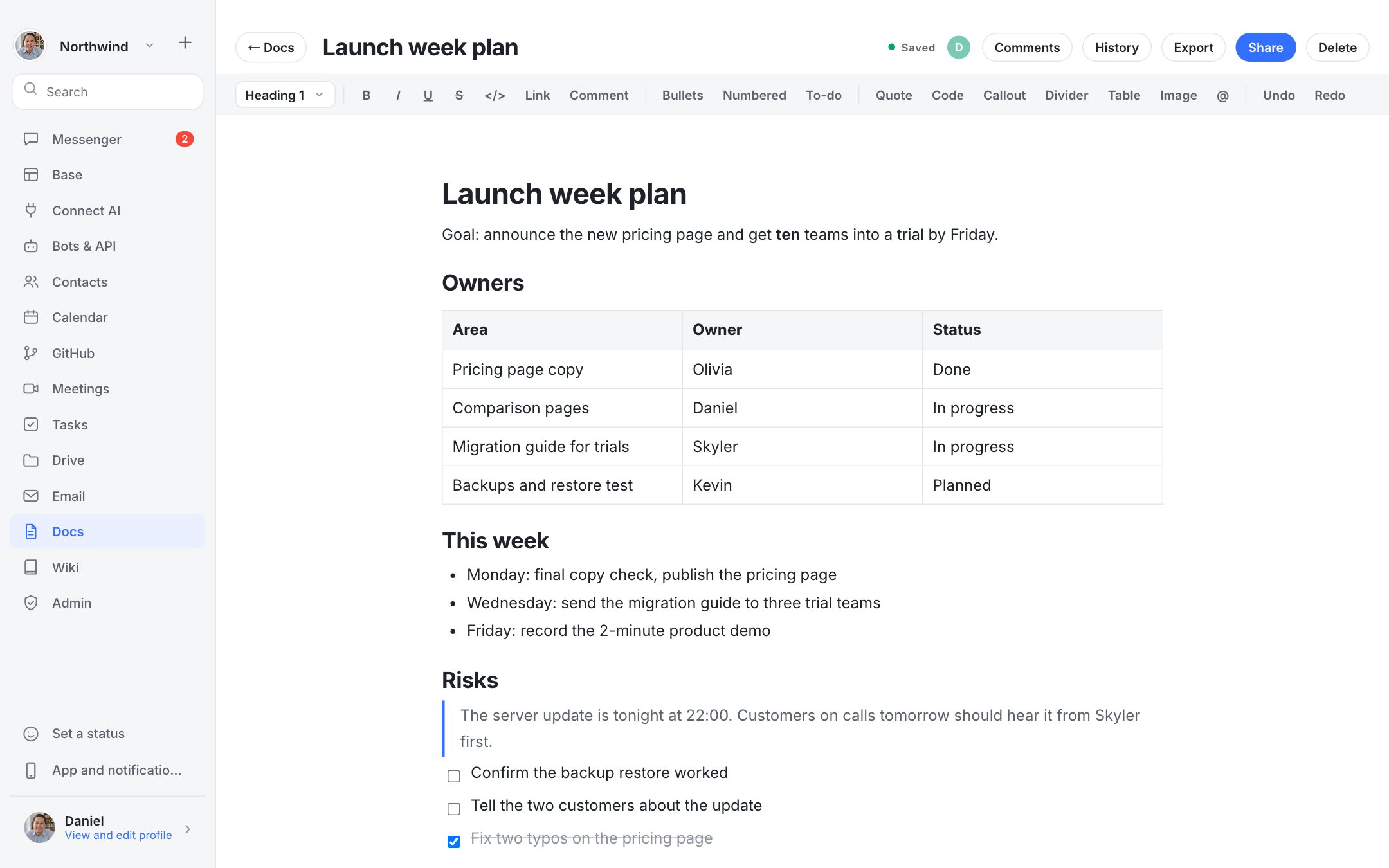
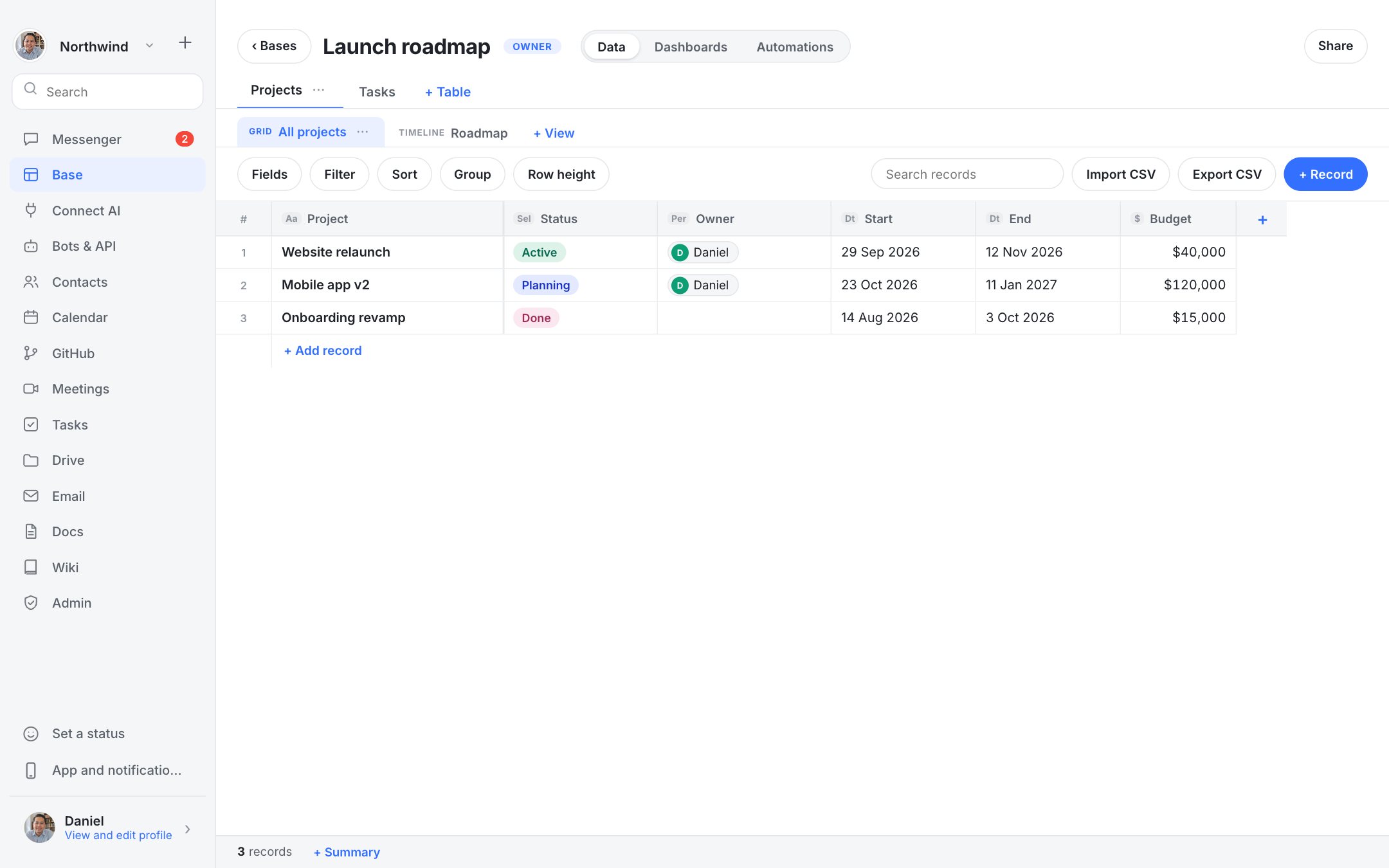
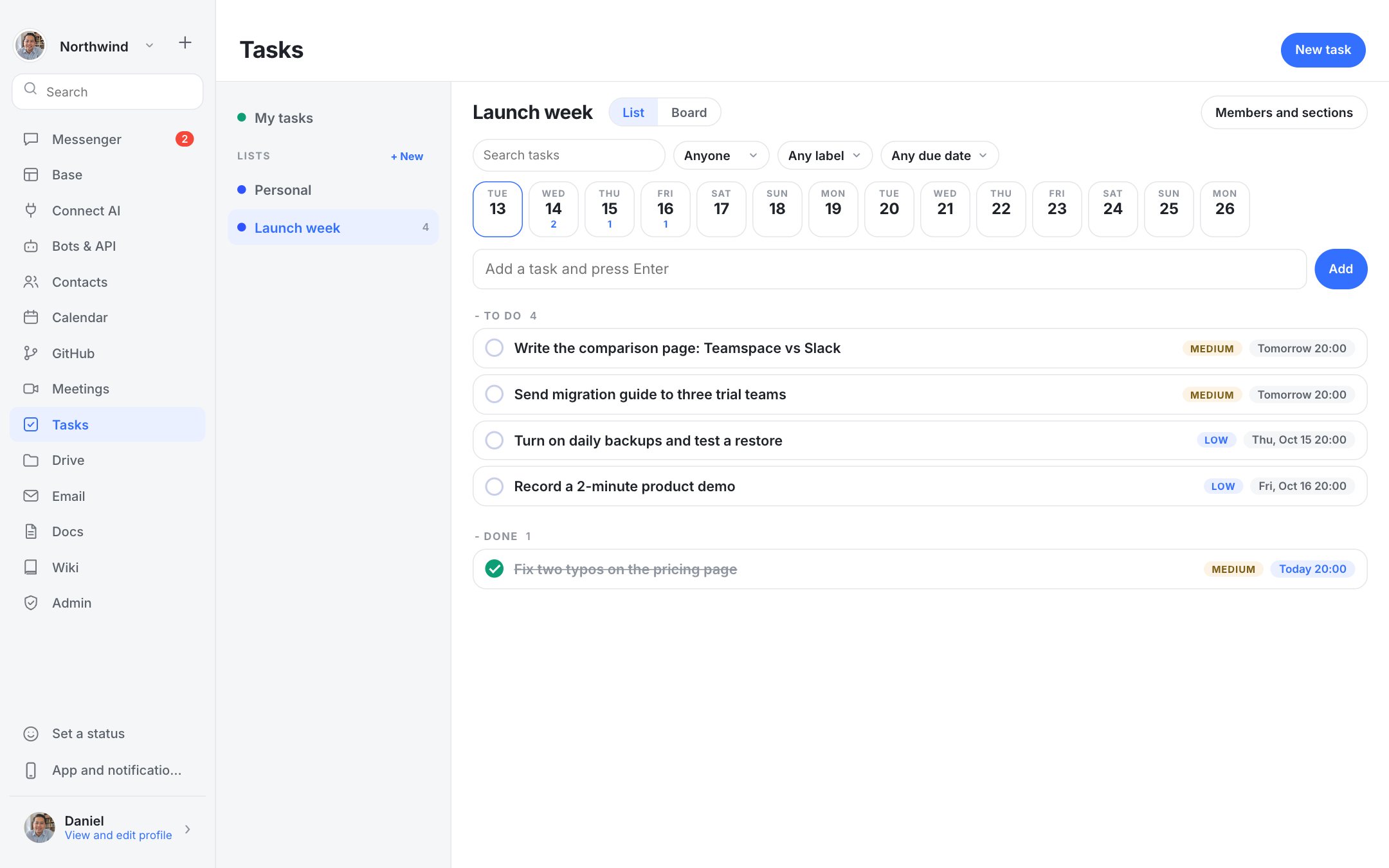
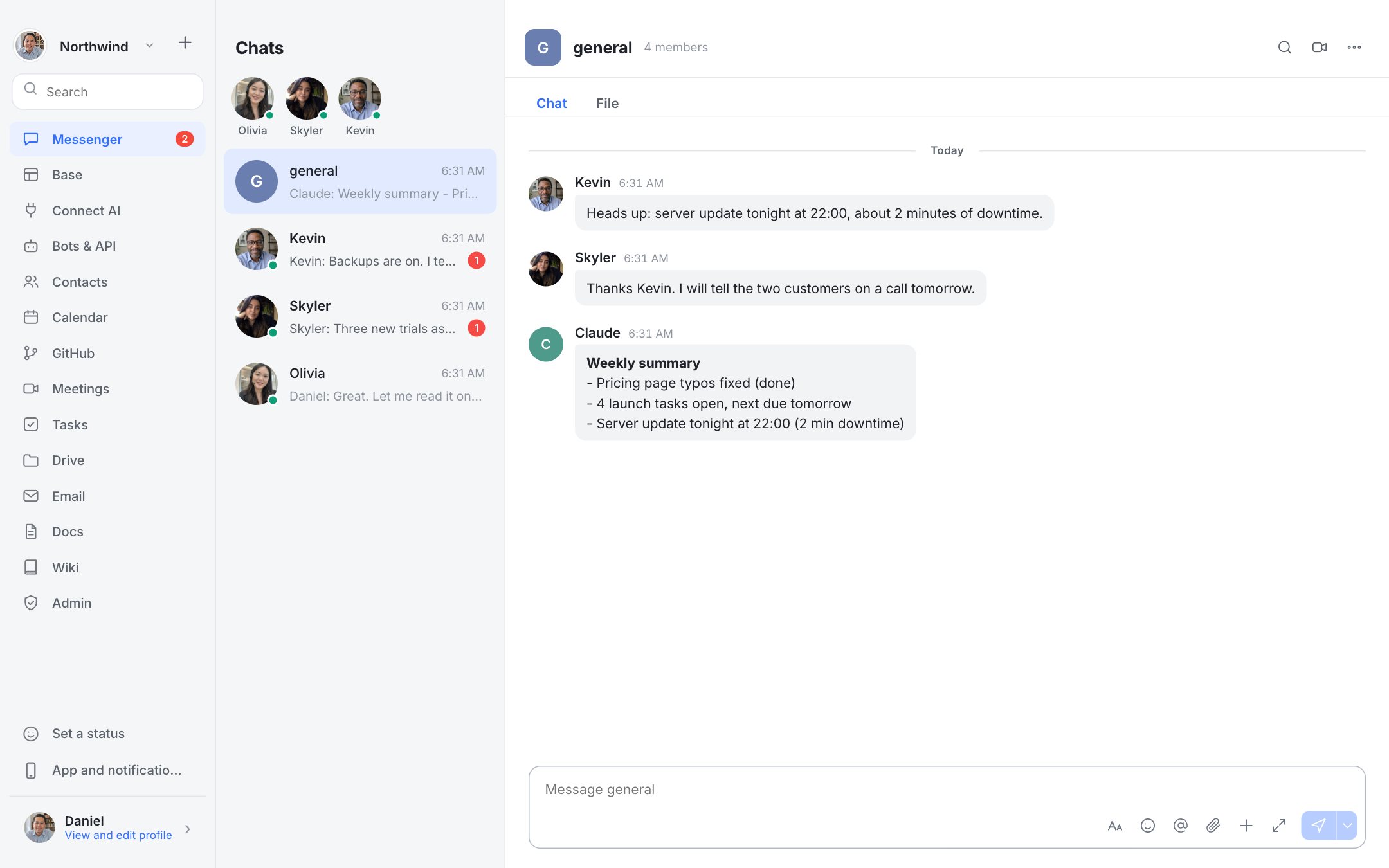
Real screenshots of Dock with a fictional team.
Who should choose which
Choose Dock if: Small teams that mostly use chat plus a few integrations and want to stop paying per person.
Choose Slack if the stronger points in the table are what you need. Product details change, so check Slack's current plans and documentation before you decide.
Questions
Can I import my Slack history?
Not today. Export what you need to keep and start fresh.
Does Dock have threads?
Yes.
Is Dock cheaper than Slack?
Dock has no per-seat fee; you pay for your own server. Whether that is cheaper depends on your team size and what you pay Slack. Use the savings calculator above with your own prices.