Connect your tools and your AI agents
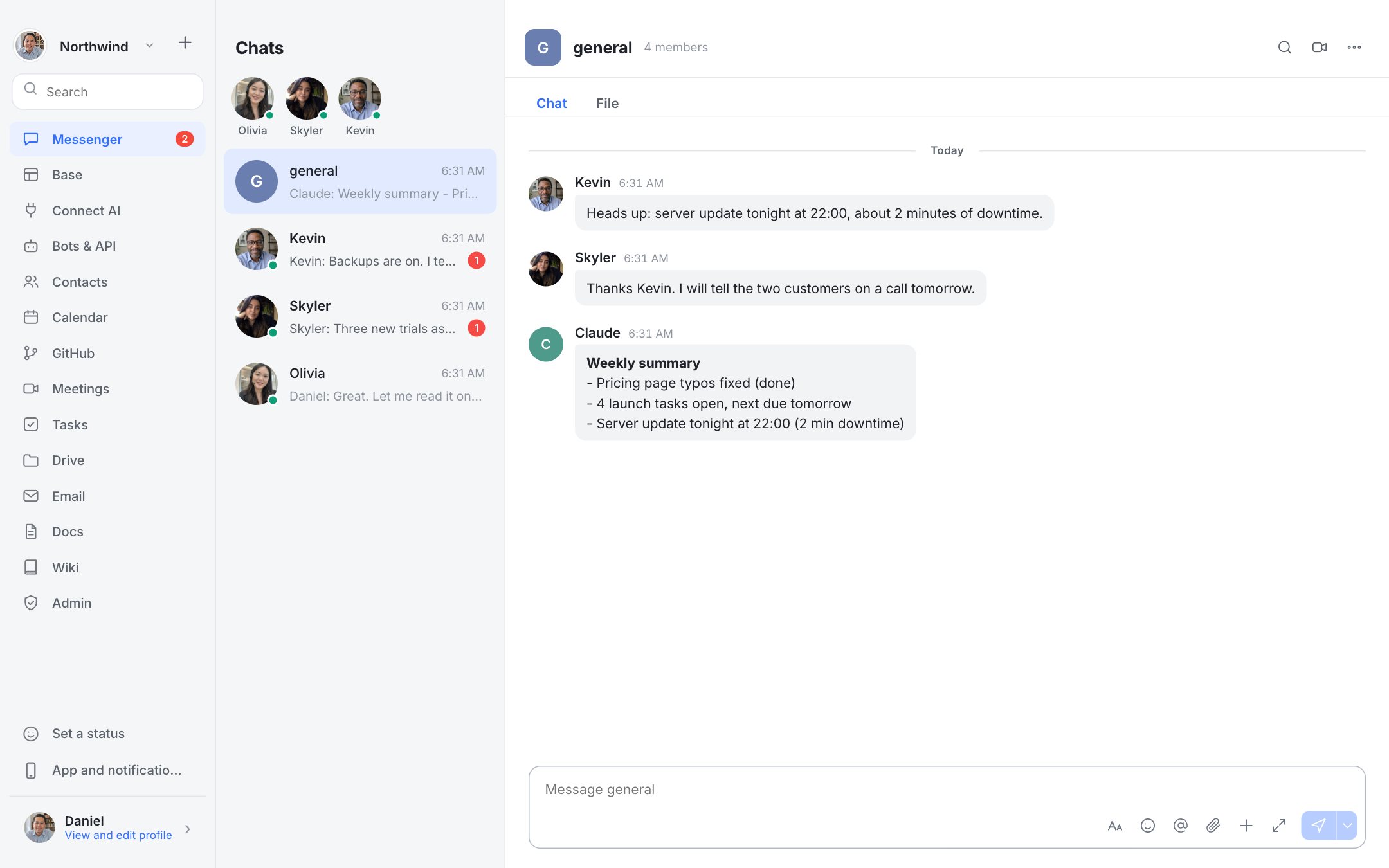
Bot tokens, signed webhooks, slash commands, a REST API and a Model Context Protocol (MCP) server so AI agents can work inside your workspace.
What you get
Bot tokens and REST API v1
Post messages, read channels and manage content with a token you control. Shapes are close to Lark's, which eases migration.
Webhooks with signed events
Receive message events at your URL. Each delivery is signed so you can verify it.
Slash commands
Add /commands that call your service.
MCP server
An /mcp endpoint lets MCP-capable assistants search, read and post, under a bot token and the same permission checks as any user.
Audit trail
Bot actions are logged for admins.
Connect an agent
Create a bot
Open Bots in the app and create a token.
Point your agent at /mcp
Give your assistant the server URL and the token.
Watch it work
Actions show up in the audit log.
Questions
What is MCP?
Model Context Protocol, an open standard that lets AI assistants use tools and data from other systems.
Does using the API cost anything?
No usage fee from Dock. If your agent calls a paid AI model, that bill is yours.