New in Dock: Teleprompter
Read your script while you look at the camera, record a take and review it before anything uploads.

What's new
Your script, over your camera
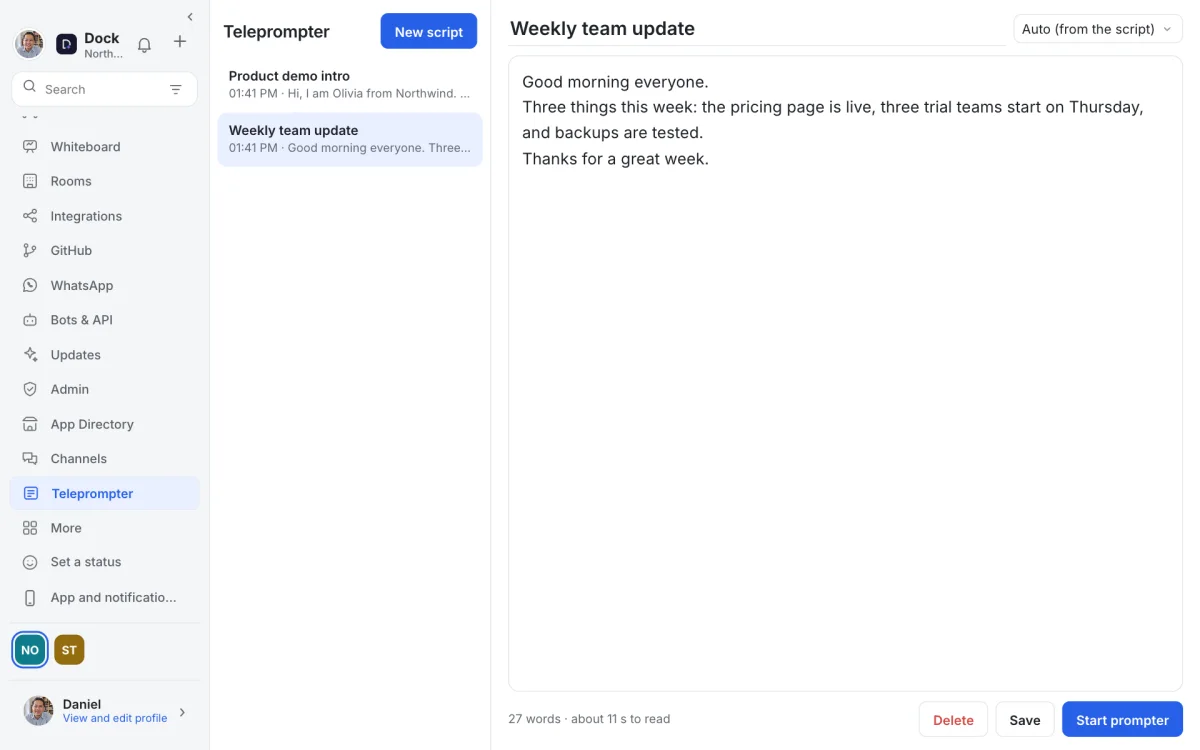
Open Teleprompter from the sidebar (on a phone: More). Your script scrolls in large, shadowed text over the front camera, with a marker on the line you are reading, so your eyes stay near the lens.
Choose voice follow and the text moves at your speaking pace; pause and it waits. Or use steady scroll and set the speed yourself. Text size, margins, colour and a mirror mode are one tap away.
Scripts from your chats
Write and keep scripts in the app; they are yours only. Already wrote it in a chat? Right-click the message and choose Open in Teleprompter. Select part of a message first to take just that part.
Review before anything uploads
When you stop recording, you watch the take first. Then save the video to your device, send it to a chat or save it to Drive. Delete it and it is gone; nothing leaves your device until you choose.